02.3 — Building Agents
Prompting 101
A prompt without an @-mention has nothing to read — JMN AI won't guess
which file or column you mean. Three mention types cover everything: files, other
columns, and classification labels.
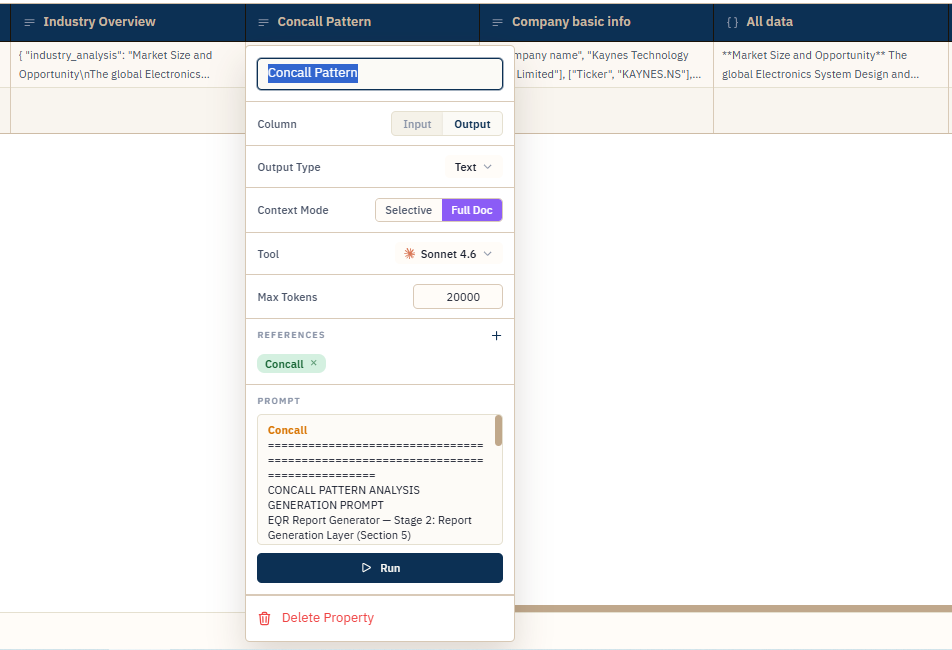
FIG. 5.1 — Typing @ opens a picker; you rarely type a mention out by hand.
@PropertyName — reference an input
Mention an input property by name to scope retrieval to that file: @Contract PDF
— what is the termination notice period? If a row's input cell holds more than
one file, mention the specific filename to narrow it to just that one.
@output[id::name] — reference another column's answer
Pick an existing output column from the mention menu and the prompt can use its result
directly — useful for a second-pass column that summarizes, scores, or compares answers
already on the row. Under the hood this is stored as @output[id::name] so it
keeps resolving correctly even if you rename the column afterward.
Note
Referencing a column doesn't create a live link that recomputes automatically when the upstream column changes — it marks the dependent cell stale instead. See Keeping Results in Sync.
@class[Label] — scope to a classification
If the agent has a Tag column classifying files (say, "Invoice" vs.
"Purchase Order"), @class[Invoice] scopes retrieval to only the files
carrying that label. It's a filter on which documents get searched, not a branch in
logic — the prompt still runs the same way for everyone, just against a narrower set of
files. Full mechanics in Tagging & Classification.
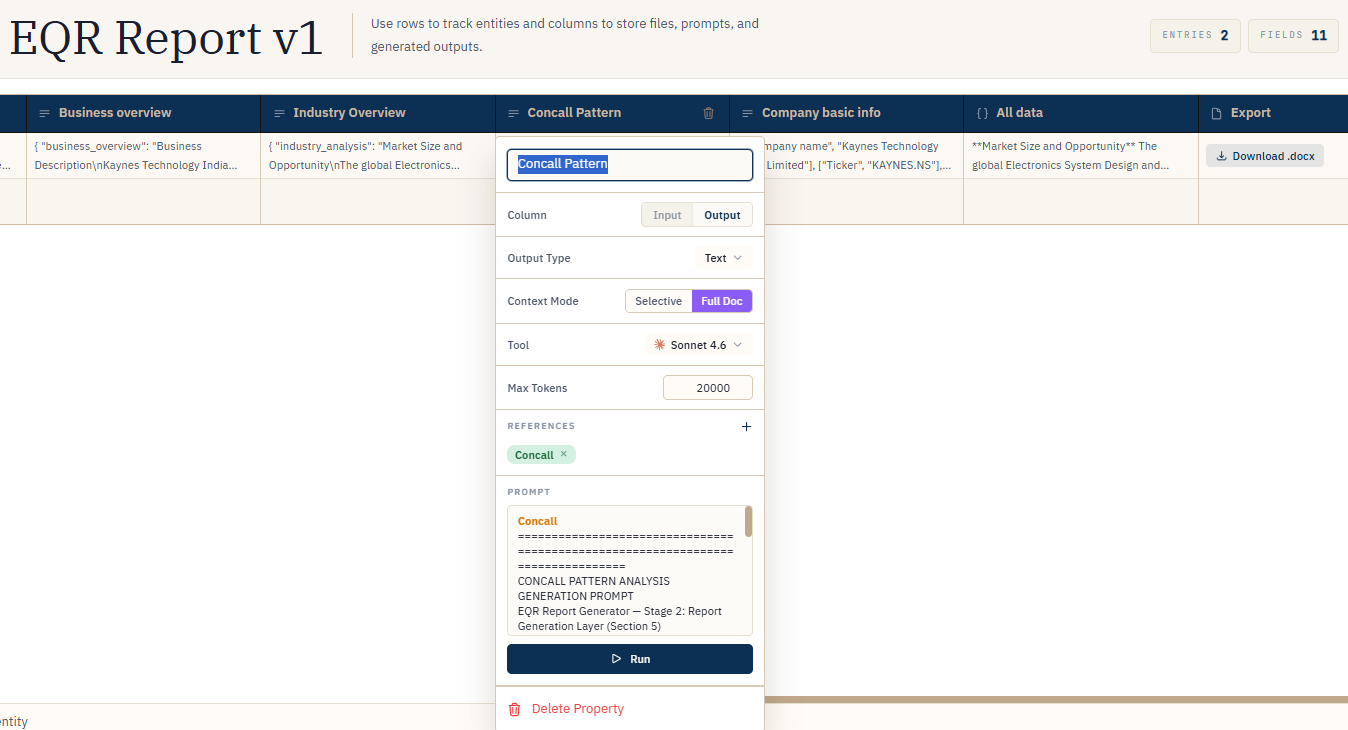
FIG. 5.2 — Combining a file mention with a classification filter.
Tip
Write the question exactly as you'd ask a careful colleague who has the document open and nothing else. Specify the unit, the format, and what "no answer" should look like — the model follows the prompt's lead, not assumptions about your data.